A certificate for every student, and a way to prove it's real.
myCertificate is a certificate platform for schools and colleges. Set it up once, then issue certificates for events, awards, courses and results, one at a time or hundreds in a single batch from a spreadsheet. Every certificate gets its own verification page and a QR code, so anyone who holds one, or is shown one, can check that it is real, who issued it and when. Each school gets its own private deployment, with its data never mixed with another's.
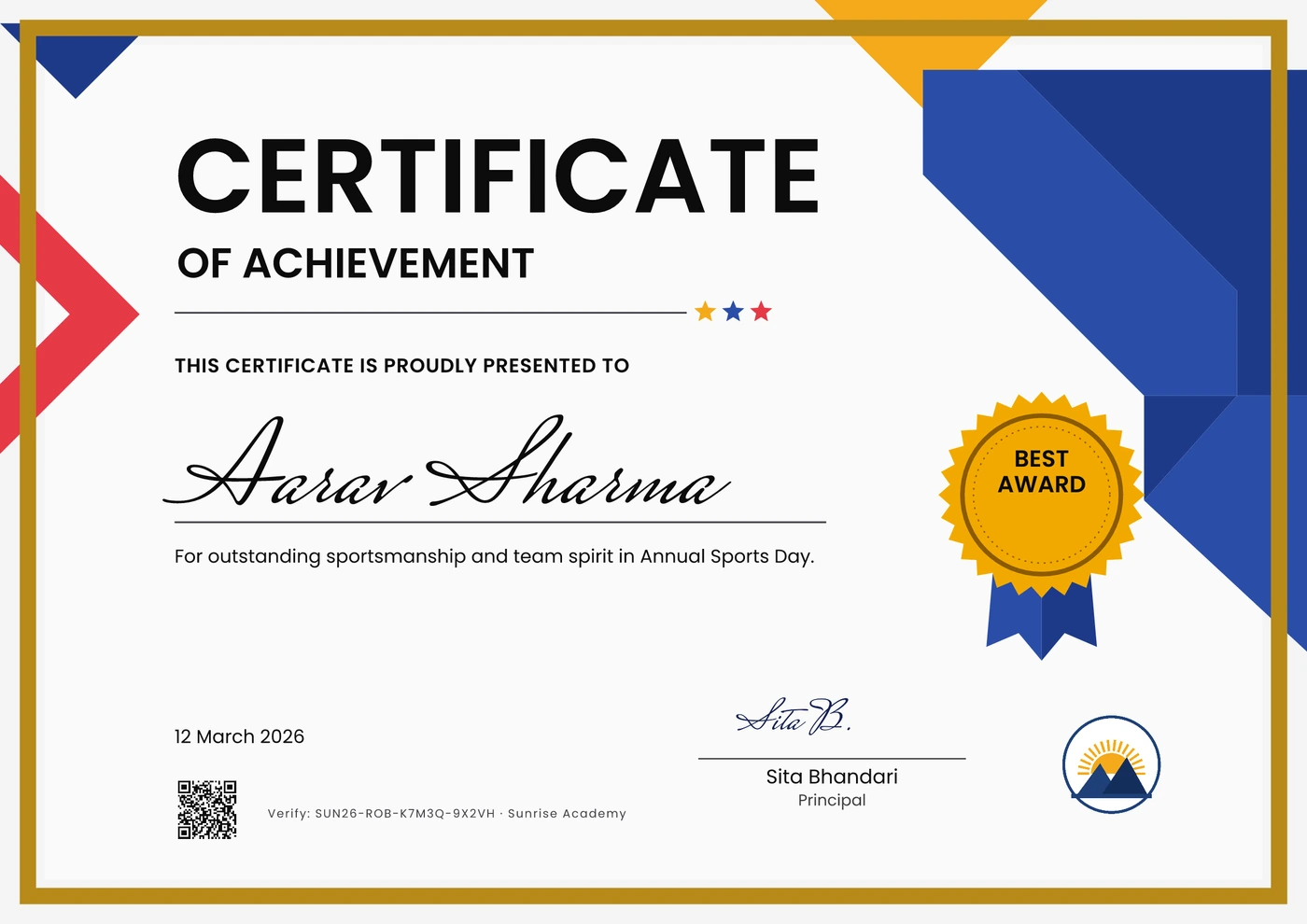
What myCertificate does
- Issues certificates one at a time or in batches of thousands from a CSV or Excel file, checking for problems before anything goes out.
- Fits names in Latin and Devanagari scripts automatically, so a long name never overflows a design.
- Puts a verification page and QR code on every certificate, with a digital signature check anyone can run.
- Emails each student their certificate link with a preview, and can copy the school in on every issue.
- Lets a named signer review and approve samples before a batch is issued.
- Reports issuing by month, program and design, page views, shares and downloads, with CSV export.
What myCertificate does not do
- It never edits an issued certificate. A mistake is fixed by reissuing, and the old verification page then points to the new one.
- It never mixes one school's data with another's. Each school gets its own deployment, database and file storage.
- It never shows a student's email, phone number or roll number on a public page, even to someone who holds the certificate.
From a spreadsheet to a signed certificate.
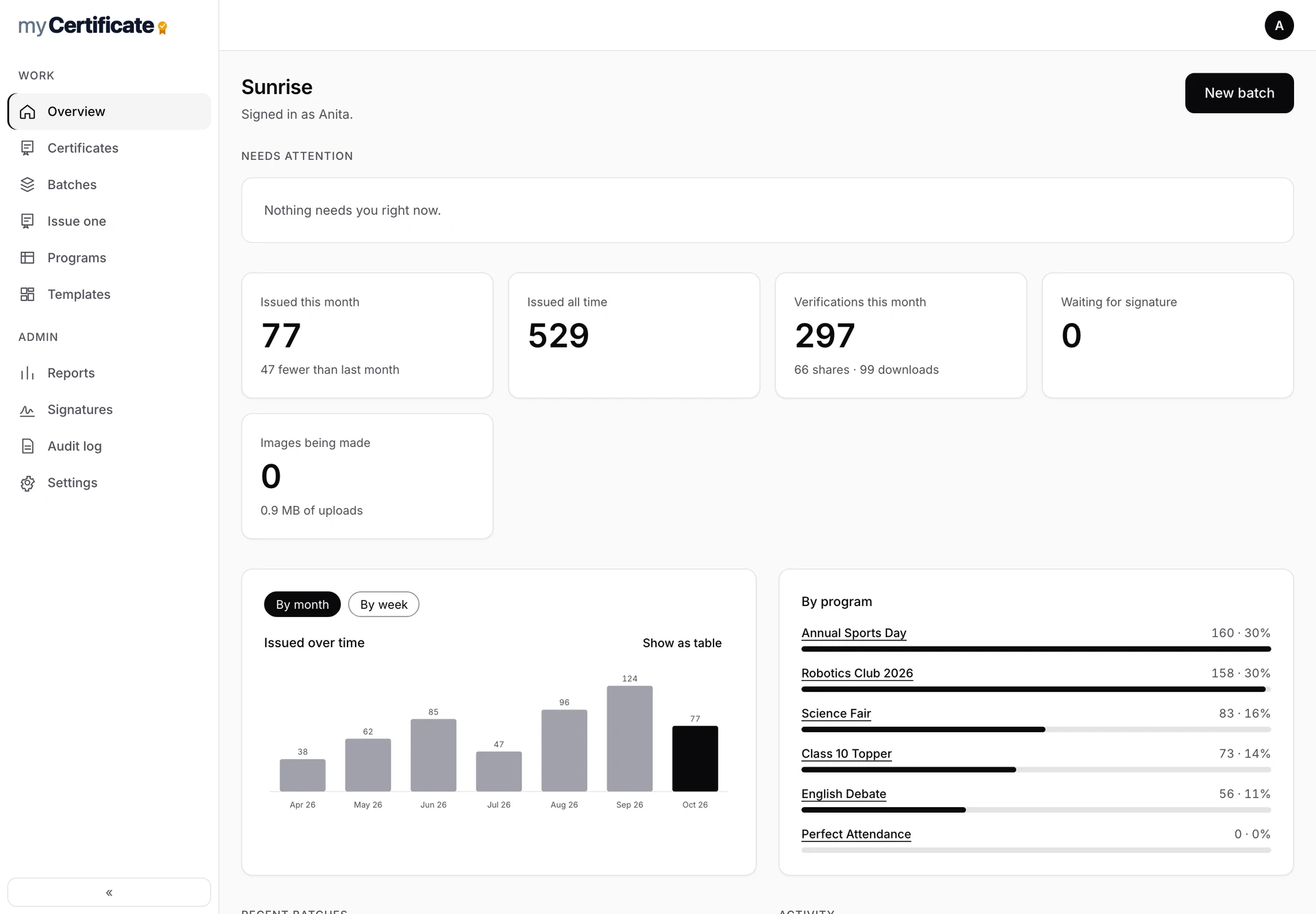
This month at a glance, with anything that needs attention.
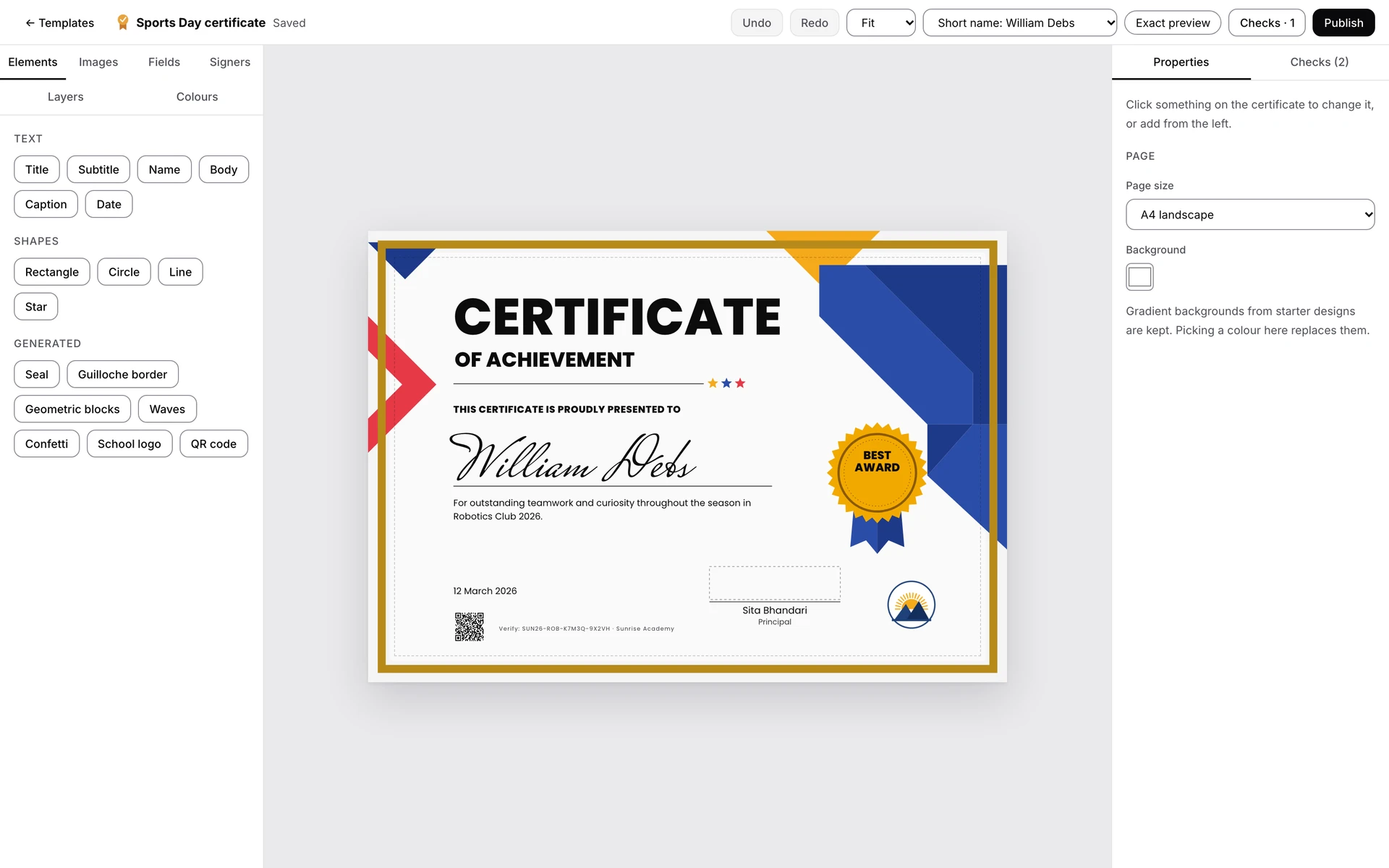
Drag, resize and rotate, with an exact preview of what will be issued.
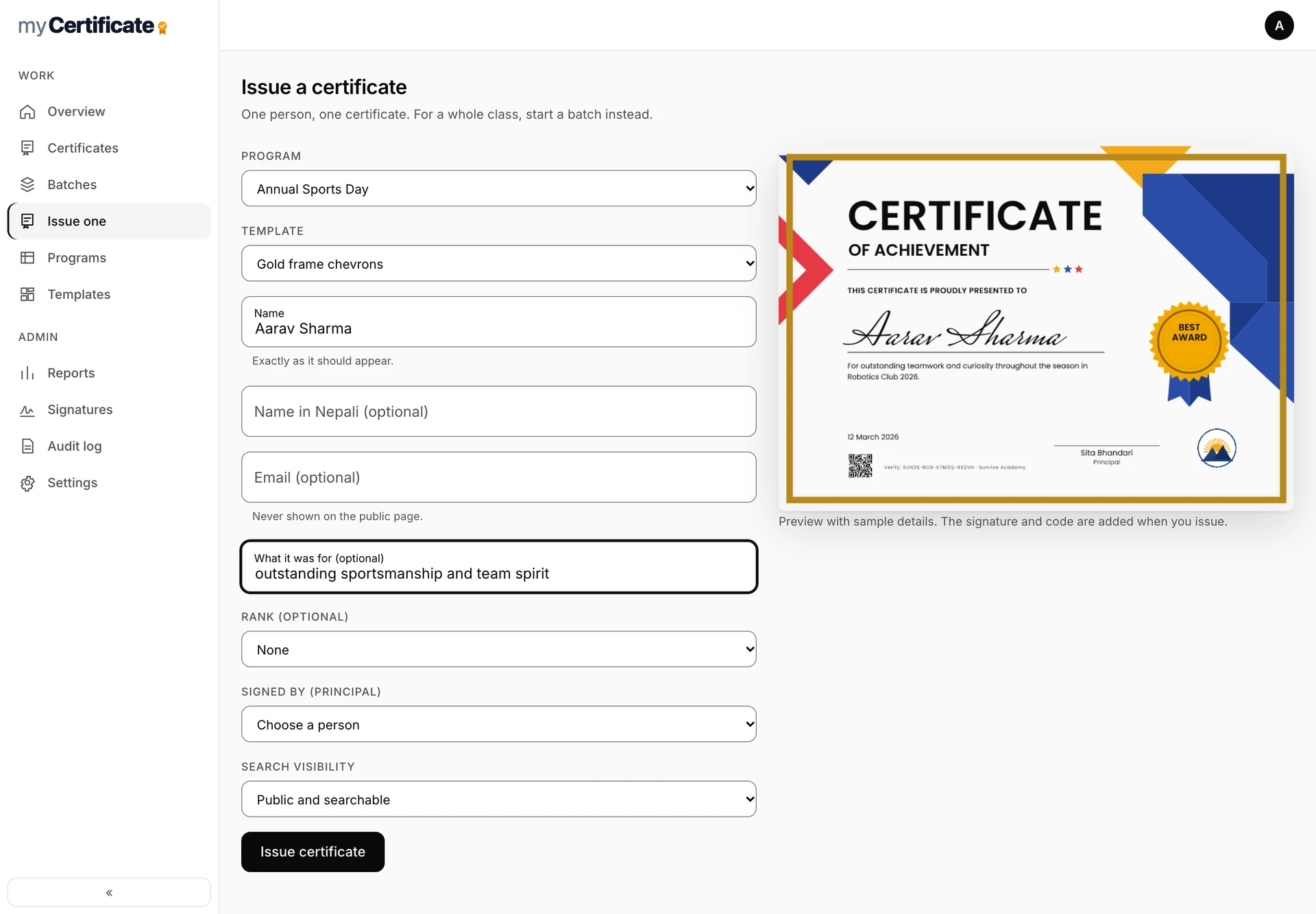
Issuing one certificate: the preview updates as the name is typed.
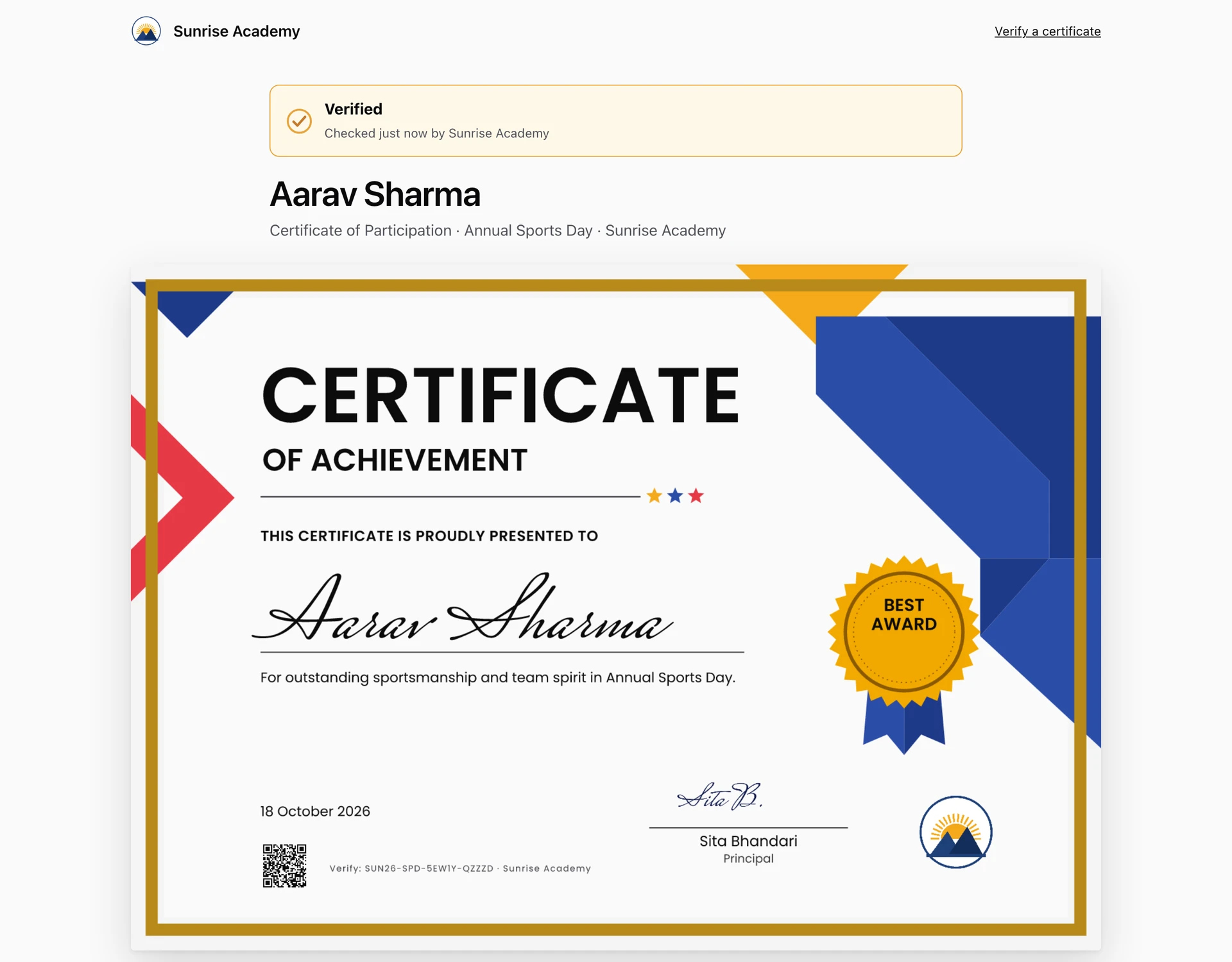
What the public sees: a clear result, never a student's contact details.
Set up once, issue for years.
- 01
Set up once
Add the school logo, the people who sign and the programs: events, awards, courses or results.
- 02
Pick a design
Start from one of 24 starter designs or build one in the visual editor. Long names in Latin or Devanagari script are fitted automatically.
- 03
Add people and issue
Upload a spreadsheet, paste a list or add people one by one. Problems are listed in plain words before anything is issued, then certificates are made in the background and students are emailed.
- 04
Anyone can verify
Each certificate gets its own page and QR code that confirms it is real, who issued it and when, with a digital signature check behind it.
Designs that look finished.
From classic and formal to bold and modern, plus a full visual editor. Artwork uses recolourable vector icons and original ornaments, so a design takes on the school's own colours.
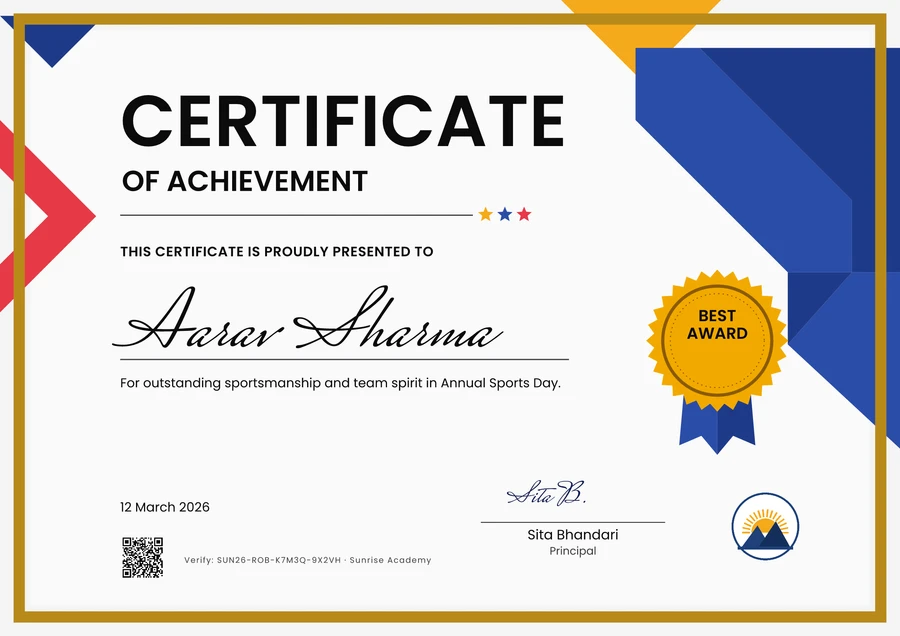
Bold, celebratory, awards and winners.
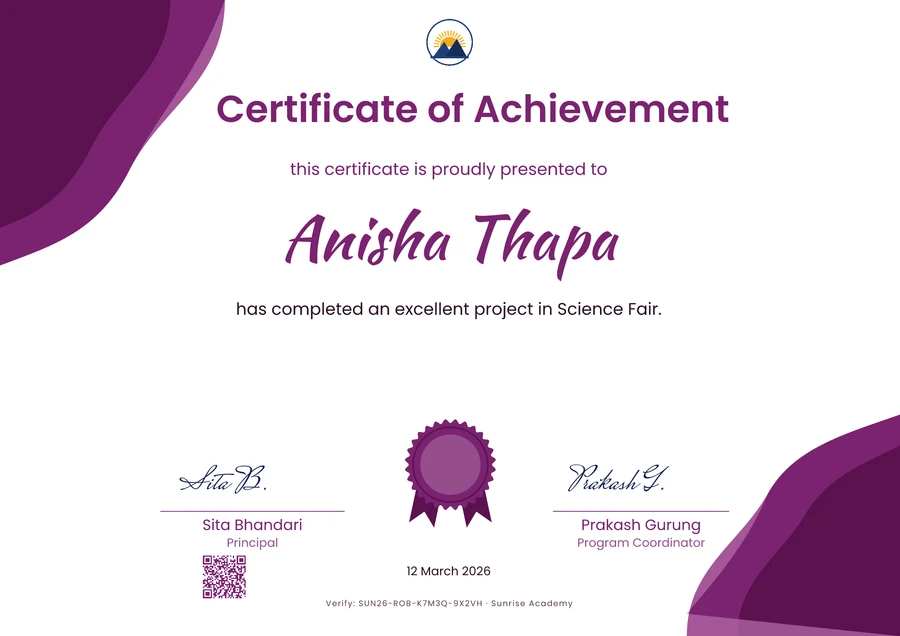
Soft, modern, achievement and completion.
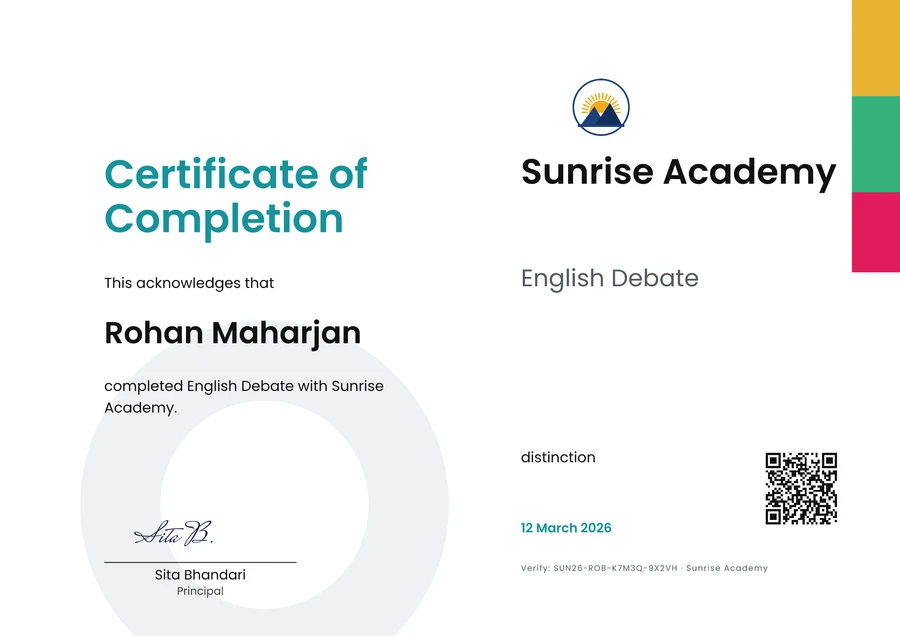
Clean and minimal, courses and training.
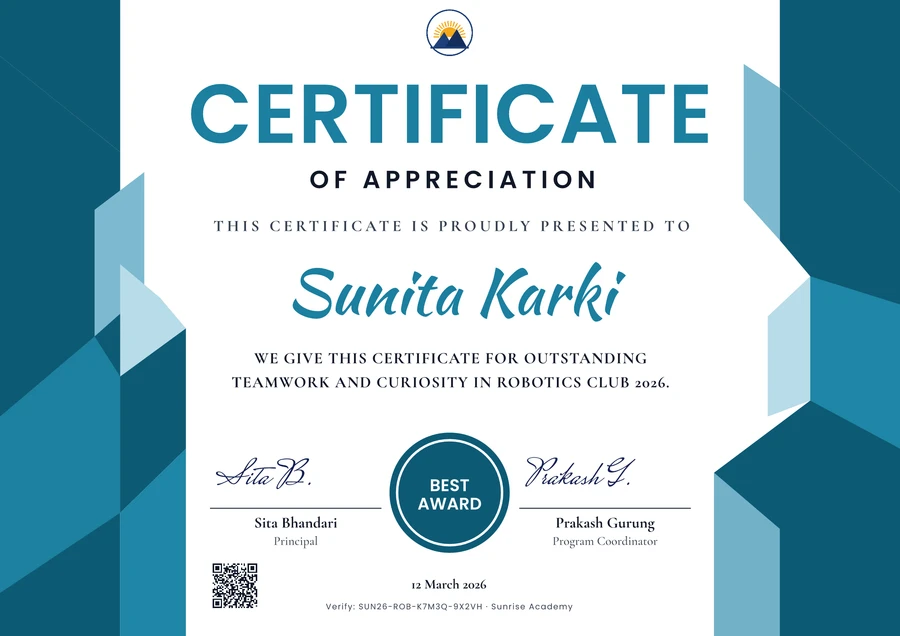
Confident, formal, appreciation.
Twenty more starters cover robotics, science, coding, mathematics, sports, arts, debate, leadership, academic merit, attendance, participation, workshops, graduation, competitions and community service.
Every certificate is signed when it is issued. The verification page checks the signature, so an edited or invented certificate fails.
An issued certificate is never edited. A mistake is fixed by reissuing, and the old page then points to the new one.
A CSV or spreadsheet is enough. Empty names, repeated people, long names and bad emails are listed in plain words before anything is issued.
Names in Latin and Devanagari scripts fit and shape correctly, and Bikram Sambat dates can show beside the English ones.
Face ID, Touch ID or Windows Hello in one tap, or a password with an authenticator app, with limits on repeated attempts.
Each school gets its own deployment, with its own database and file storage. No school's data is ever mixed with another's.
myCertificate is one of the products we build and run ourselves, to the same standard as everything we build for clients: understand the problem first, design before we code, and build for the long run.